[Project 01]
Enhancing Accessibility in Digital Banking for Older Adults
Banking
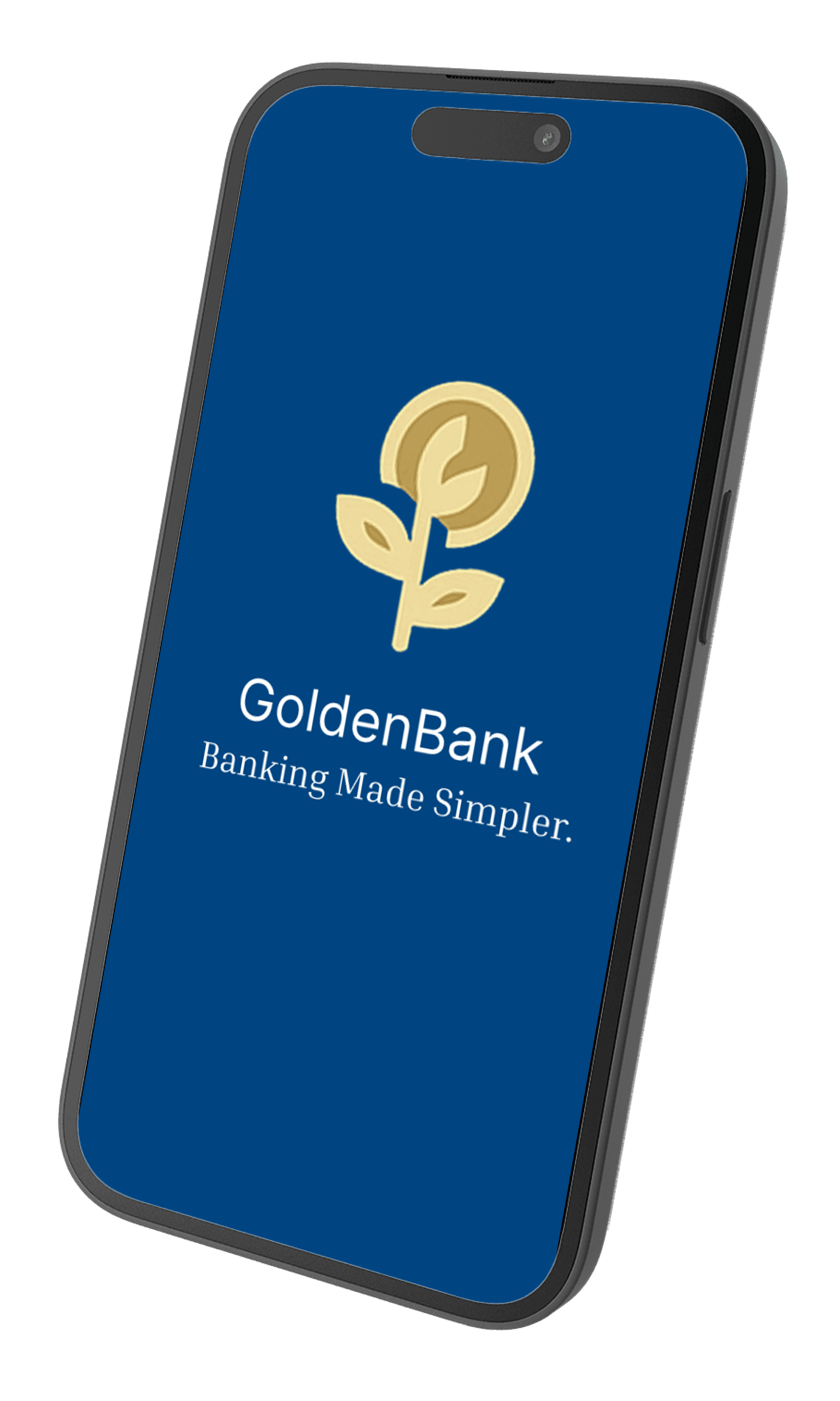
Enhancing Accessibility in Digital Banking for Older Adults
[Project Overview]
The goal of this project, was to increase the overall accessiblity in digital banking for older adults. Through in-depth user research and usability testing.
[Problem Statement]
As banking services increasingly move online, many older adults face barriers in accessing and managing their finances digitally. Challenges include complex navigation, small text sizes, low contrast, unfamiliar security processes, and limited digital literacy.
[Industry]
Banking
[My Role]
UX Designer
[Platforms]
iOS & Amdroid
[ Project Timeline]
January 2025- August 2025
[User Persona]

Jane Smith
Retired
I just want the checkout to be quick and painless, no surprises or unnecessary steps!
Age: 70
Location: Bedfordshire
Tech Literate : Minimal
Gender: Female
[Core Needs and Goals]
Manage finances independently
Simple, consistent interface
Clear navigation
[Frustrations]
Overcrowded screens
Hard To Navigate
No Human interaction
[Process]
[01] Initial Research
Conducted user interviews with 10 participants to understand what they struggle most about digital banking
Competitor/market anylsis was done to see various accessability features across popular banking apps, to see potential gaps to see where features were lacking
Intial testing required users to complete the same task on muiltple banking apps, to see the user flow and error experiences.
[02] User Insights/Feedback
Users struggled to navigate the app fluidly, often required assistance
Buttons were hard to read and pages overcrowded
Didnt feel comfrtable using online banking
[03 Design Solution]
Simplified the homepage to the core needs of a banking app, Transfer, Deposit and view balance
Added acessabiity features like voice assistance , navigation and help buttons on everypage throughout the app
Visual accessibility features added like, colour blindness options,font scaling
[04] Testing & Iteration
Conducted esting with users, comparing the original and redesigned flows.
Gathered feedback through usability testing and refined the design based on user input.
Designed a mobile-first layout with larger touch-friendly buttons and simplified navigation.
[Outcome and relfection]
Users were able to navigate more freely without assistance
Given tasks were completed faster compared to other bankng apps in testing
If more development time was avalible, more accessability feature would be added auch as language options and more colour blidness schemes
[Key Learnings]
Simplicity is crucial
Older users prefer, clear , uncluttered screens and fewer steps to complete tasks
User Flow
Testng of popular banking apps, allowed us to see what specific area older users faced when completing tasks
Accessability is essential
Bold text, high contrast colours, clear and outlined buttons, and simple language make online banking easier to use